What is a CP2100 notice?
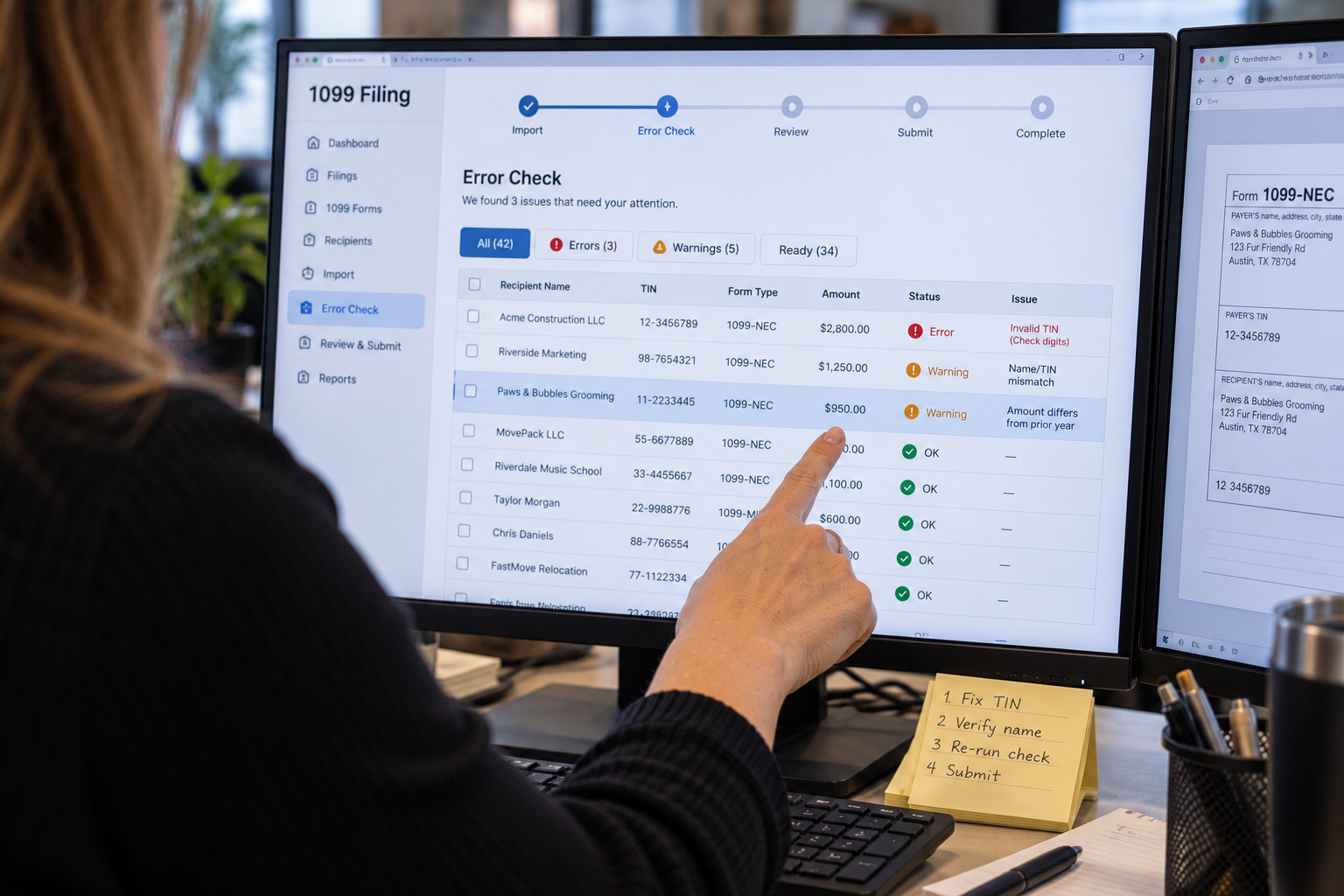
A CP2100 notice is issued under the IRS Backup Withholding B Program, authorized by Treasury Regulation 31.3406(d):5 and IRC section 3406(a)(1)(b). The IRS sends it to payers who submitted information returns containing missing or incorrect Taxpayer Identification Numbers.
The notice comes with a listing of the specific payees whose TIN or name and TIN combination did not match IRS records. Each entry falls into one of two categories:
- Missing or obviously incorrect TINs. The TIN is absent, fewer than nine digits, more than nine digits, or contains a non-numeric character.
- Incorrect TINs that do not match IRS records. The TIN is a valid nine-digit number, but the name and TIN combination is not in the IRS database as a valid pair.
The IRS sends a CP2100 when you filed 50 or more information returns with errors. It sends a CP2100A when you filed fewer than 50 returns with errors. The content, required actions, and deadlines are identical for both.
Is this an audit or a penalty?
No. A CP2100 is a warning notice. It tells you that some of your 1099 filings had TIN problems and that you must take corrective action going forward. The notice itself does not assess a penalty.
Penalties can follow if you ignore the notice. Failing to begin backup withholding when required, failing to solicit a corrected TIN from the affected payee, or continuing to file with incorrect TINs in subsequent years can all lead to penalty assessments under IRC section 6721 and 6722.
What do you do first when you receive the notice?
The clock starts from the date on the CP2100 notice, not the date you open it. Send B-Notices to affected payees within 15 business days of the CP2100 date. Missing this deadline means you have not complied with the B Program requirements.
Compare the IRS listing against your own records for each payee on the list.
- Check whether the name or TIN on your records matches the payee's W-9.
- Determine whether the discrepancy is your data entry error or the payee's error.
2a. If it is your error: correct your records immediately. Do not contact the IRS to report the correction. Update your payee records and file a corrected 1099 if the original filing year's return is still in scope for correction.
2b. If it is the payee's error or you cannot tell: send the appropriate B-Notice to the payee.
First B-Notice vs. Second B-Notice: what is the difference?
Which notice you send depends on the payee's history on your CP2100 listings.
| First B-Notice | Second B-Notice |
|---|
| When it applies | First time this payee appears on a CP2100 or CP2100A | Second time this same payee appears within a three-year period |
| What you send the payee | First B-Notice letter + blank Form W-9 | Second B-Notice letter only (no W-9) |
| What the payee must return | Completed, signed Form W-9 with correct TIN | Copy of their Social Security card, or Letter 147C from the IRS confirming their EIN |
| Payee response deadline | 30 business days from the date of your B-Notice letter | 30 business days from the date of your B-Notice letter |
| If no response | Begin backup withholding at 24% | Begin backup withholding at 24% |
For a Second B-Notice, a new Form W-9 is not sufficient. The payee must provide either a copy of their Social Security card (for an SSN) or Letter 147C from the IRS (for an EIN). You cannot accept a self-certified W-9 for a second occurrence within three years.
How do you send a B-Notice to the payee?
The IRS does not provide an official B-Notice form. You write your own letter that includes:
- The payee's name and TIN as you have them on file
- The date by which they must respond (30 business days from your letter date)
- The current backup withholding rate (24 percent)
- Instructions for what to return (W-9 for a First B-Notice; Social Security card or Letter 147C for a Second)
Mail the letter in an envelope clearly marked IMPORTANT TAX INFORMATION ENCLOSED. Include a blank Form W-9 with a First B-Notice. Do not include a W-9 with a Second B-Notice.
Document the date you sent each B-Notice and keep a copy. If the IRS later questions your compliance, this documentation is your defense. Be sure to keep track of your delivery confirmations and/or receipts for your tax mailings.
When do you start backup withholding?
You must begin backup withholding on future payments to the affected payee if:
- They do not respond to your B-Notice within 30 business days, or
- They respond but the TIN they provide still does not match IRS records
If backup withholding was already required before you received the CP2100 (because the payee never provided a TIN), begin withholding immediately. Do not wait for the B-Notice process to play out.
The backup withholding rate is 24 percent. Withhold 24 percent of each future reportable payment to the affected payee and remit it to the IRS through EFTPS. Report all backup withholding on Form 945, Annual Return of Withheld Federal Income Tax, at year-end.
How do you stop backup withholding once it starts?
Backup withholding stops when the underlying problem is resolved:
- First B-Notice: The payee provides a completed, signed Form W-9 with their correct TIN, and you verify that it matches IRS records.
- Second B-Notice: The payee provides their Social Security card or Letter 147C from the IRS. Verification must confirm the TIN is correct before you stop withholding.
Do not stop backup withholding based on the payee's verbal assurance. You need the W-9 or official TIN documentation in hand before withholding stops.
Backup withholding amounts already remitted to the IRS are not refunded to you. The payee claims a credit for those amounts on their own tax return.
Do you need to file a corrected 1099?
Receiving a CP2100 does not automatically require you to file a corrected 1099. The notice is about future compliance, not retroactive correction.
File a corrected 1099 if the error was yours: for example, you entered the wrong TIN due to a data entry mistake. Correct the payee record and file a corrected return through Tax Forms Helper.
If the error belongs to the payee (they gave you a wrong TIN on their W-9), you are not required to retroactively correct the 1099. Collect the correct information, update your records, and use the correct TIN going forward.
How do you prevent CP2100 notices in future years?
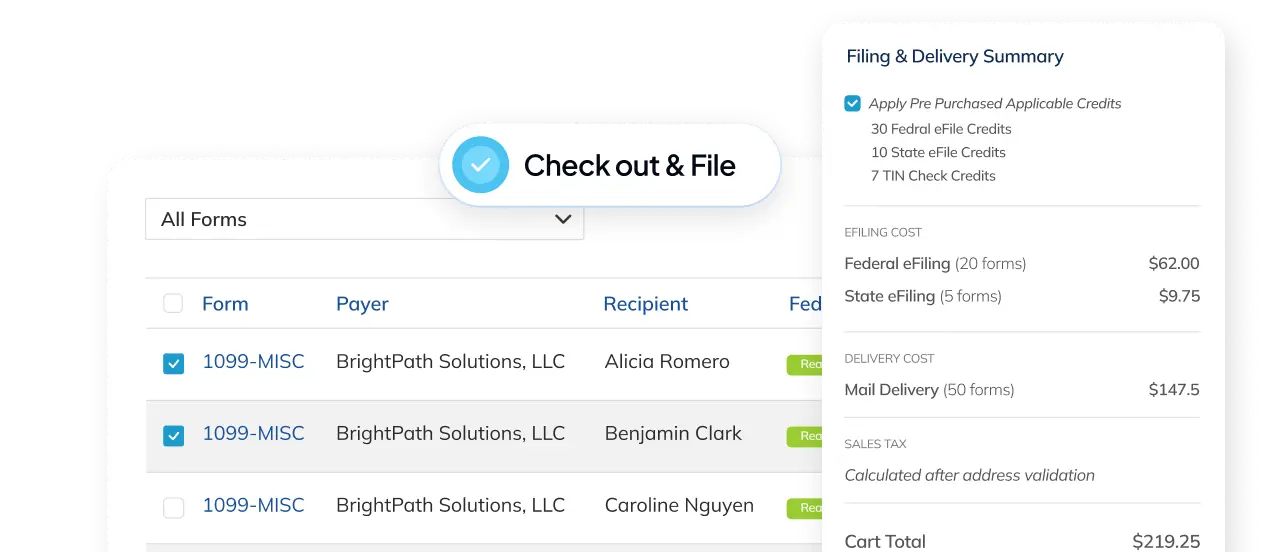
Run TIN Check Service in Tax Forms Helper before you eFile each year. It submits your name and TIN combinations to the IRS database before anything goes on record. A mismatch caught before filing is a quick correction. A mismatch caught in a CP2100 notice is a compliance obligation with deadlines.
Also collect a signed Form W-9 from every contractor before the first payment. Do not wait until year-end. The W-9 is your source of truth for the name and TIN that goes on the 1099.
See TIN Check Service for how to add TIN verification to your eFile order in Adams Tax Forms Helper.
Who do you call at the IRS with questions?
The IRS Information Reporting Program Customer Service Section handles CP2100 and backup withholding questions.
- Phone: 866-455-7438
- Hours: 8:30 a.m. to 4:30 p.m., Monday through Friday, Eastern Time
You can also consult IRS Publication 1281, Backup Withholding for Missing and Incorrect Name/TINs, which covers the full B Program requirements and provides sample B-Notice language.
FAQ
Is a CP2100 notice a penalty or an audit?
Neither. A CP2100 is a warning notice telling you that some of your 1099 filings had missing or incorrect TINs and that corrective action is required going forward. The notice itself assesses no penalty. Penalties under IRC sections 6721 and 6722 can follow if you ignore it, fail to begin backup withholding, or keep filing with incorrect TINs in later years.
How quickly do you have to respond to a CP2100 notice?
Send B-Notices to affected payees within 15 business days of the date on the CP2100, not the date you opened it. Missing that deadline means you have not complied with the B Program requirements. Start by comparing the IRS listing against your own records and the payee's W-9 to establish whether the discrepancy is your error or theirs.
What is the difference between a First and Second B-Notice?
It depends on the payee's history on your CP2100 listings. A first appearance gets a First B-Notice letter with a blank Form W-9, and the payee returns a completed, signed W-9. A second appearance within three years gets a Second B-Notice letter with no W-9, and the payee must provide a copy of their Social Security card or IRS Letter 147C. Both give the payee 30 business days before backup withholding begins.
Does a CP2100 mean you have to file a corrected 1099?
Not automatically. The notice is about future compliance rather than retroactive correction. File a corrected 1099 if the error was yours, such as a data entry mistake on the TIN. If the payee gave you a wrong TIN on their W-9, you are not required to correct the original filing: collect the right information, update your records, and use the correct TIN going forward.
Subject to change. Verify at IRS.gov or the relevant government site.
FAQs
Is a CP2100 notice a penalty or an audit?
Neither. A CP2100 is a warning notice telling you that some of your 1099 filings had missing or incorrect TINs and that corrective action is required going forward. The notice itself assesses no penalty. Penalties under IRC sections 6721 and 6722 can follow if you ignore it, fail to begin backup withholding, or keep filing with incorrect TINs in later years.
How quickly do you have to respond to a CP2100 notice?
Send B-Notices to affected payees within 15 business days of the date on the CP2100, not the date you opened it. Missing that deadline means you have not complied with the B Program requirements. Start by comparing the IRS listing against your own records and the payee's W-9 to establish whether the discrepancy is your error or theirs.
What is the difference between a First and Second B-Notice?
It depends on the payee's history on your CP2100 listings. A first appearance gets a First B-Notice letter with a blank Form W-9, and the payee returns a completed, signed W-9. A second appearance within three years gets a Second B-Notice letter with no W-9, and the payee must provide a copy of their Social Security card or IRS Letter 147C. Both give the payee 30 business days before backup withholding begins.
Does a CP2100 mean you have to file a corrected 1099?
Not automatically. The notice is about future compliance rather than retroactive correction. File a corrected 1099 if the error was yours, such as a data entry mistake on the TIN. If the payee gave you a wrong TIN on their W-9, you are not required to correct the original filing: collect the right information, update your records, and use the correct TIN going forward.