How it works

You enter or import your data into the web app.

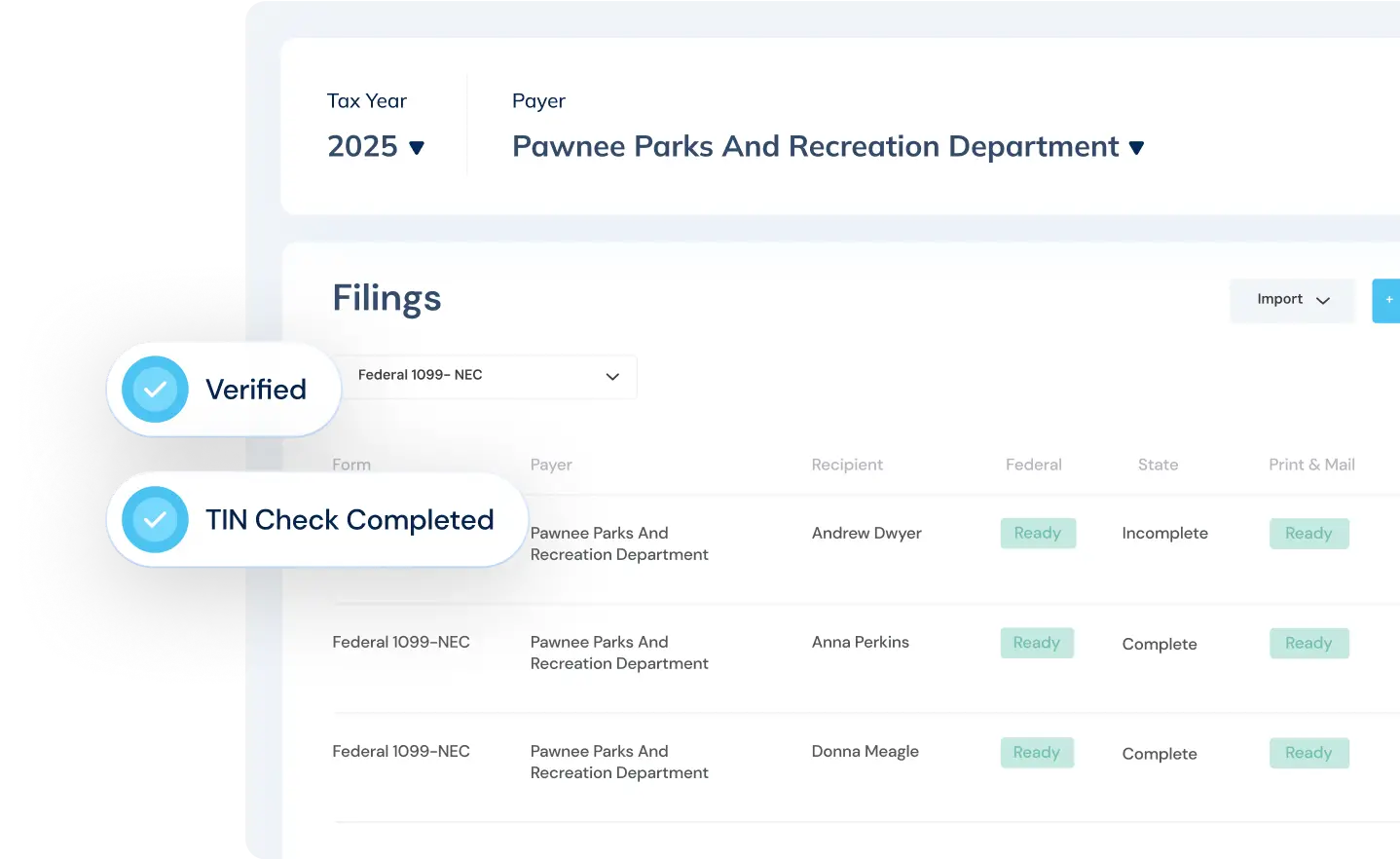
We eFile your forms with the IRS or SSA.

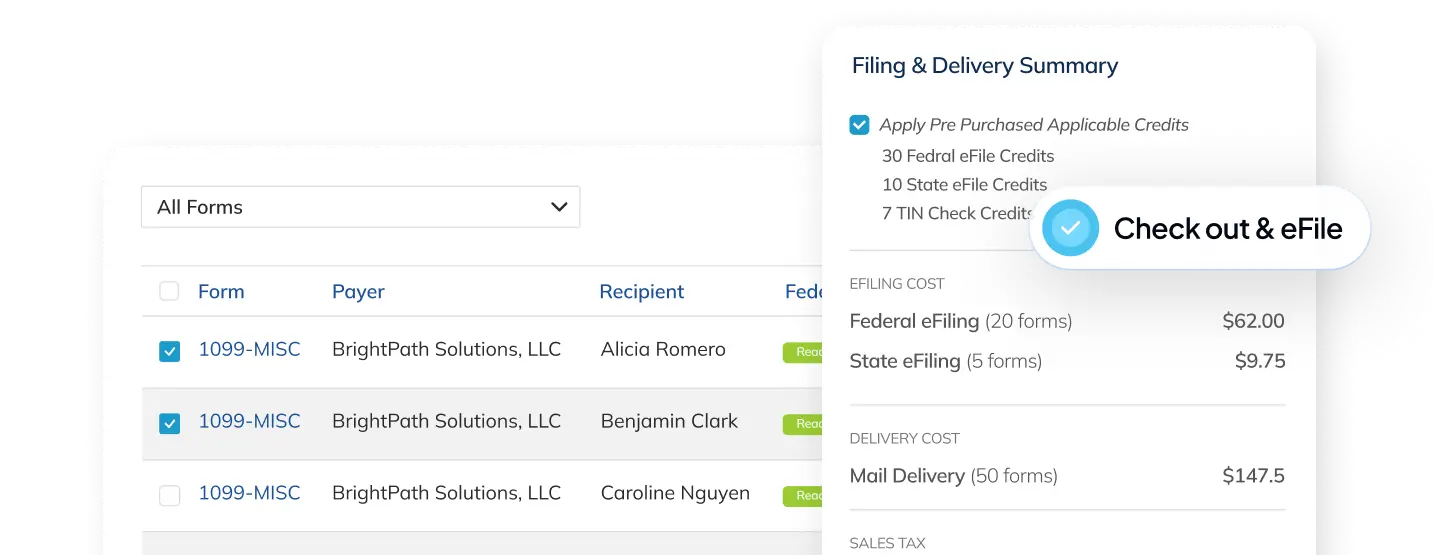
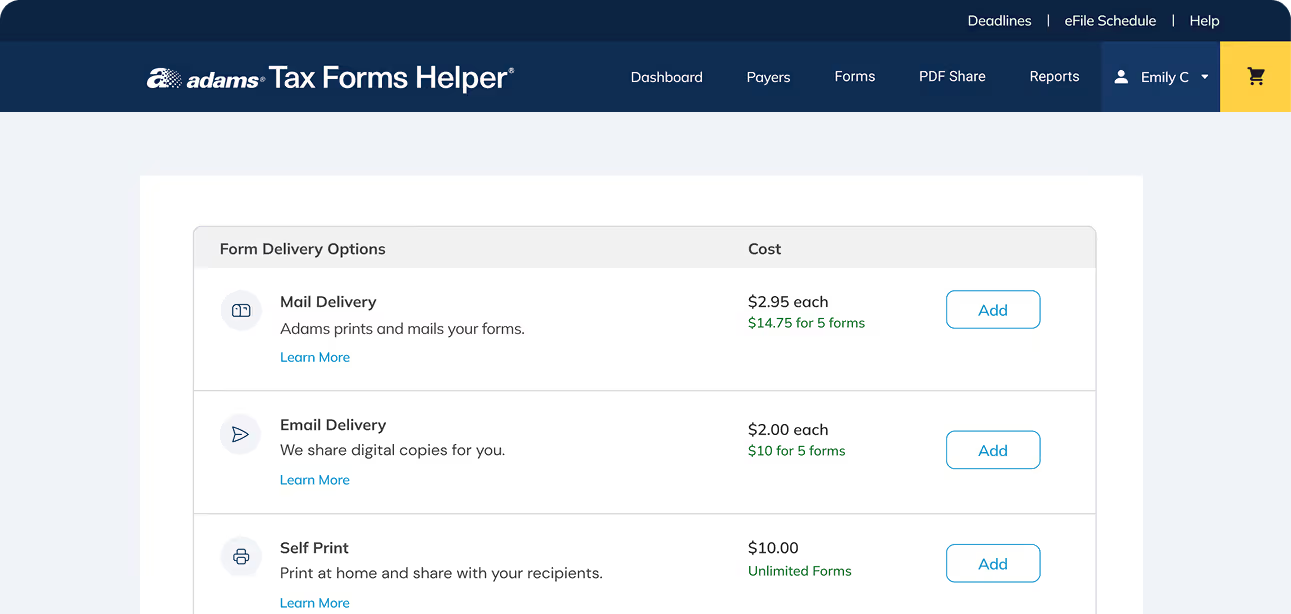
We mail or email copies to your recipients, or you can print them yourself.
Choose how to file

Fully online
File digitally from start to finish.

Bought paper forms?
Fill in your forms online, then print them onto your Adams Paper Forms. You can eFile them too.
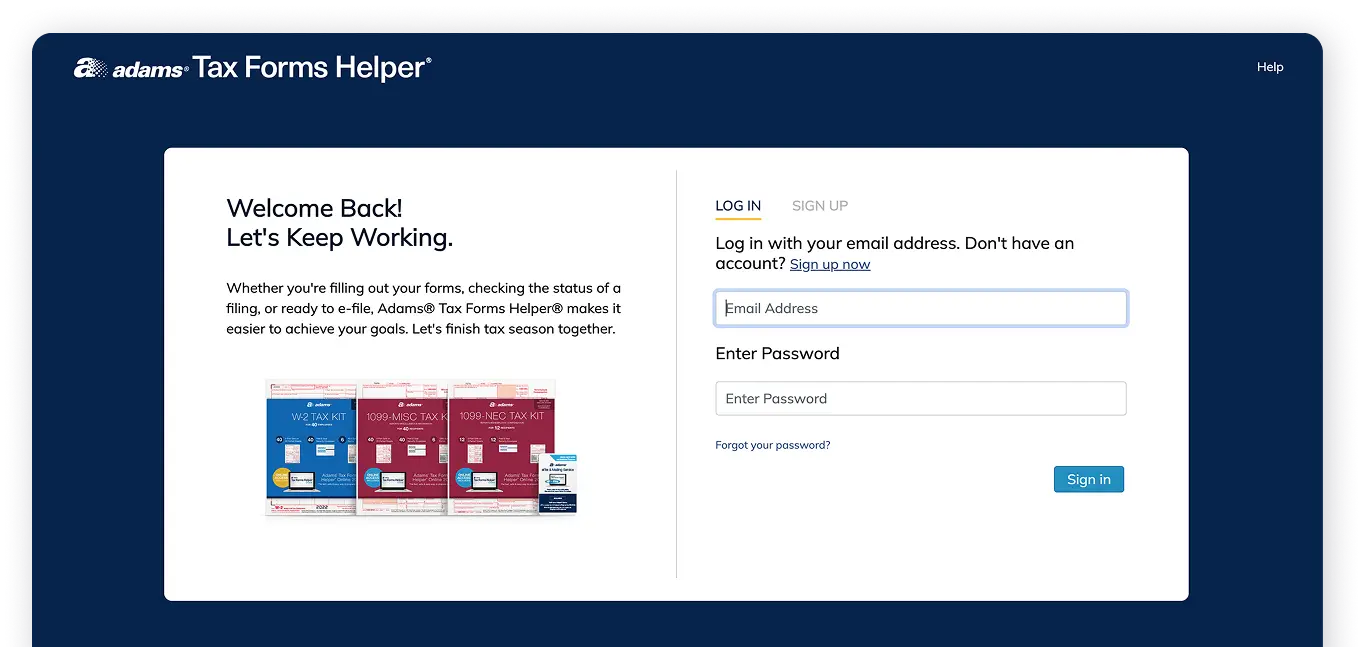
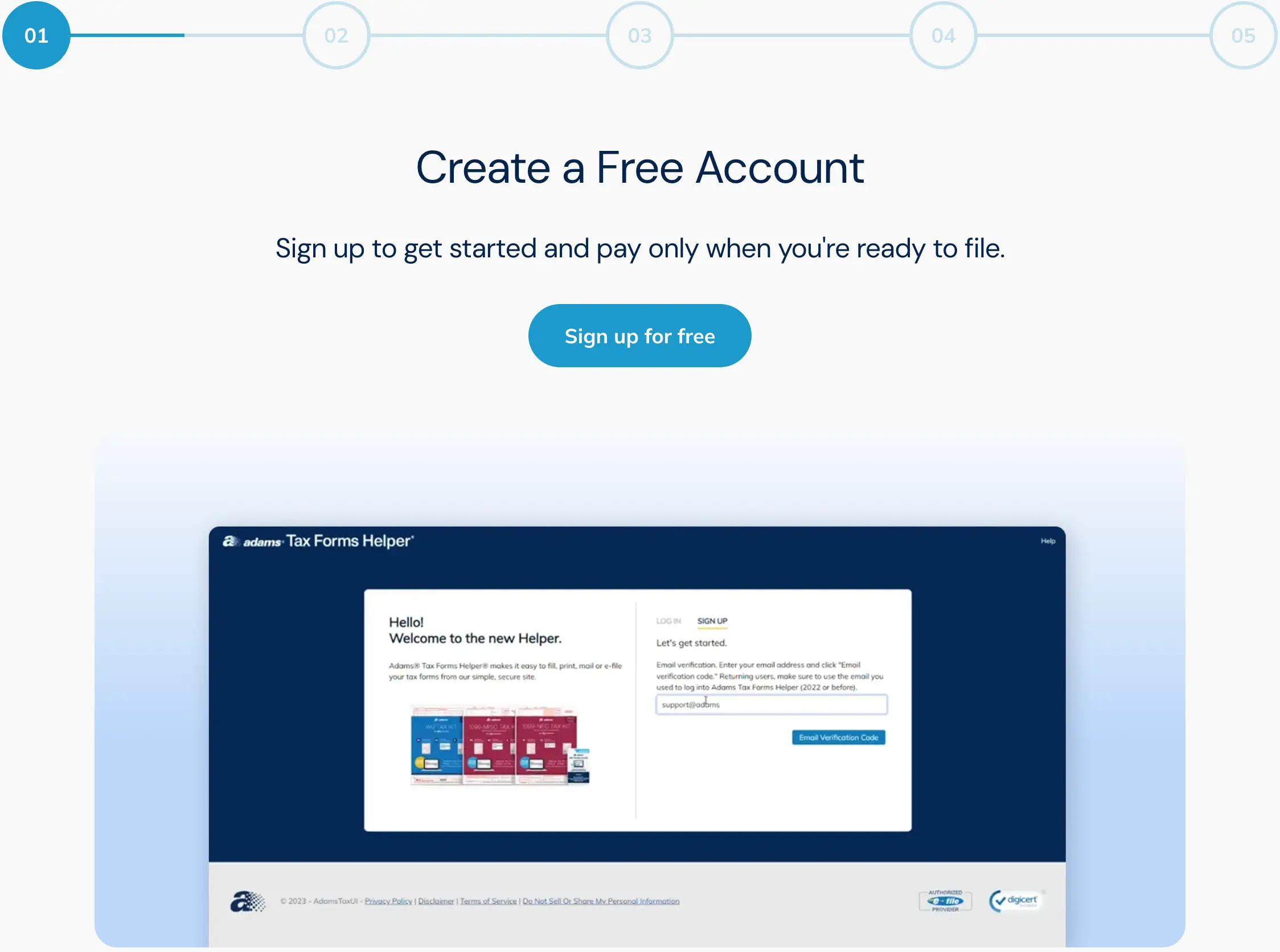
Create a free account
Sign up to get started and pay only when you're ready to file.
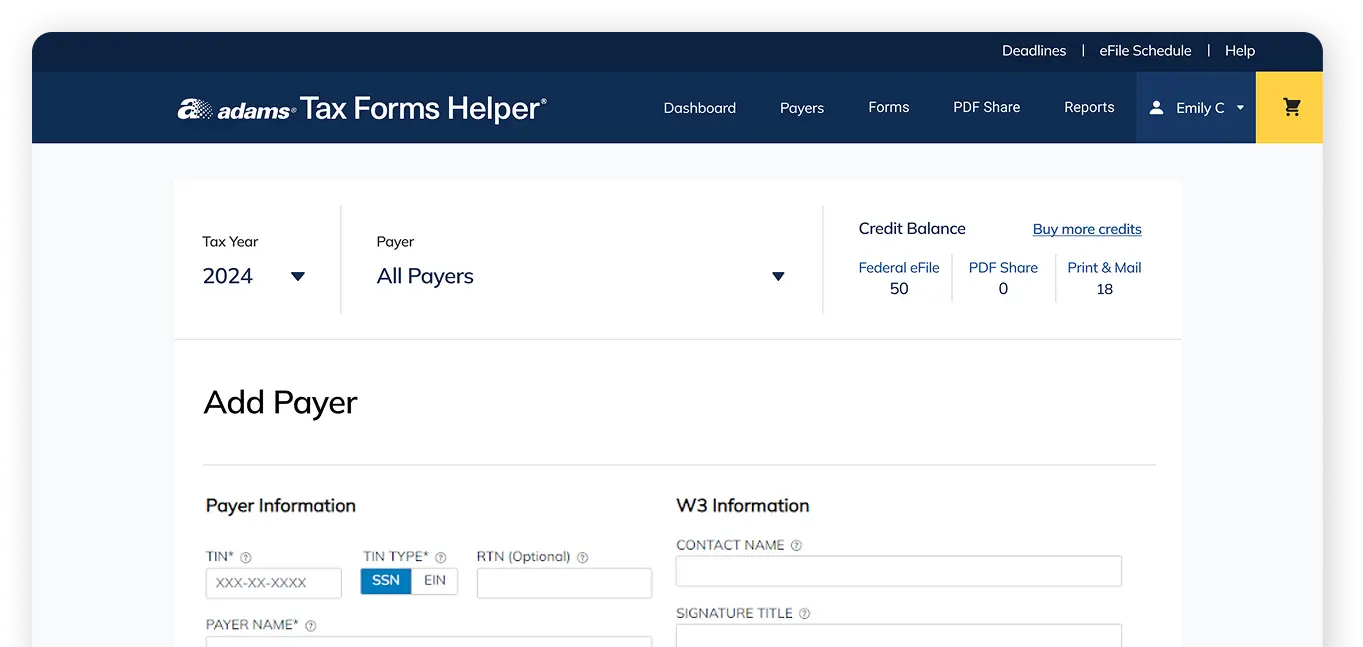
Add issuers and recipients
Add each issuer once or bring in last year’s issuers and recipients with “Copy From Last Year”.
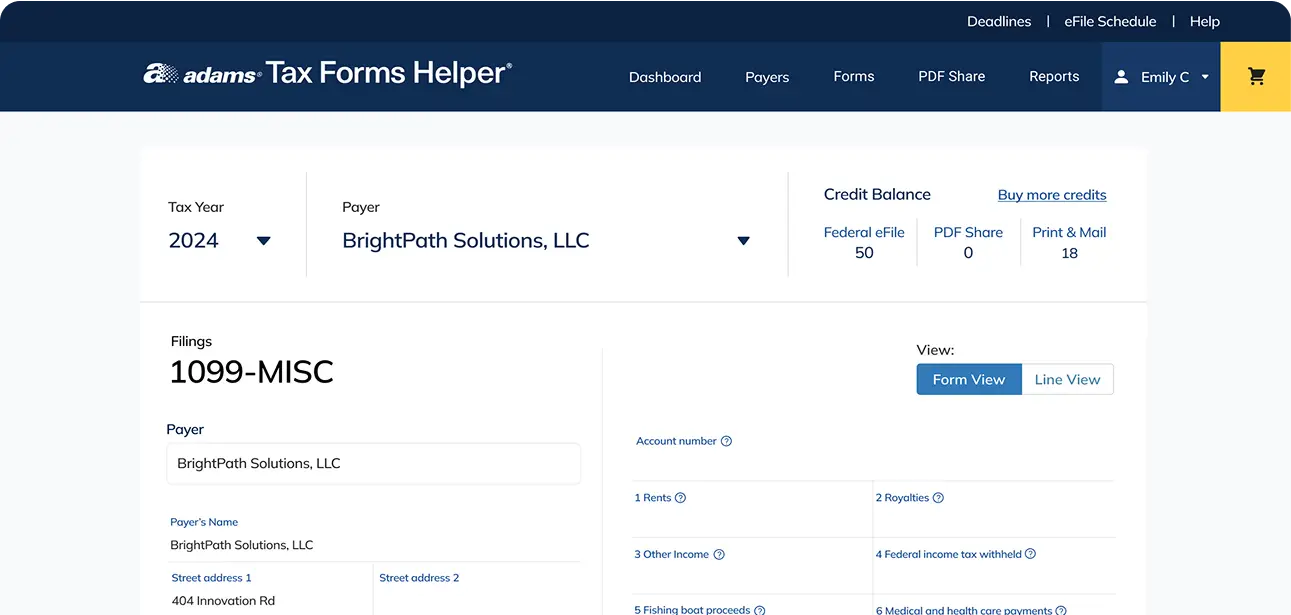
Complete your forms
Choose from 1099, 1098 and W-2 forms, then complete each one with clearly labeled fields.
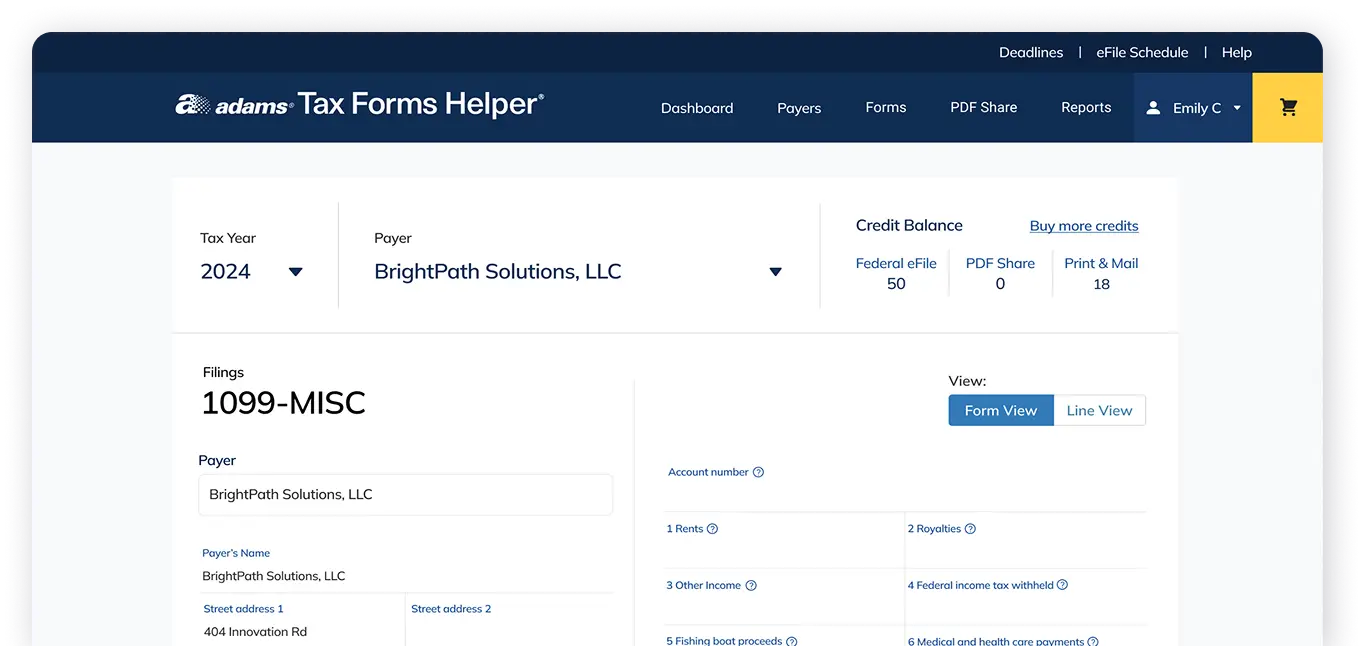
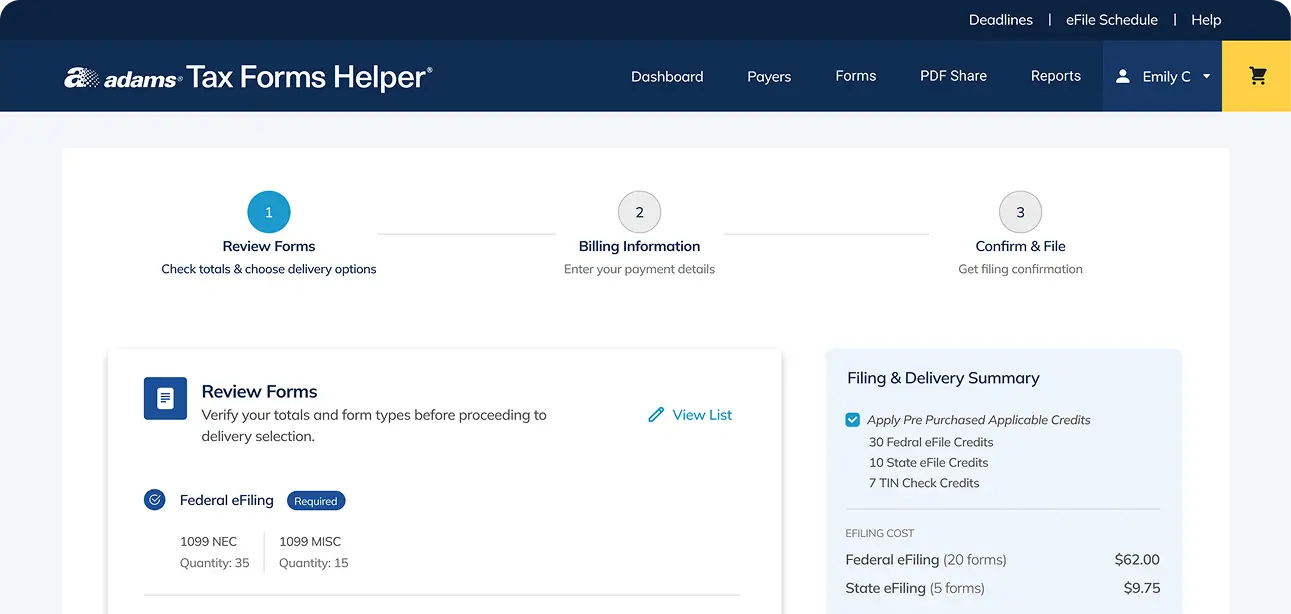
Review and submit
Check for errors, then we securely eFile your forms with the IRS or SSA and with your recipients’ states where available.
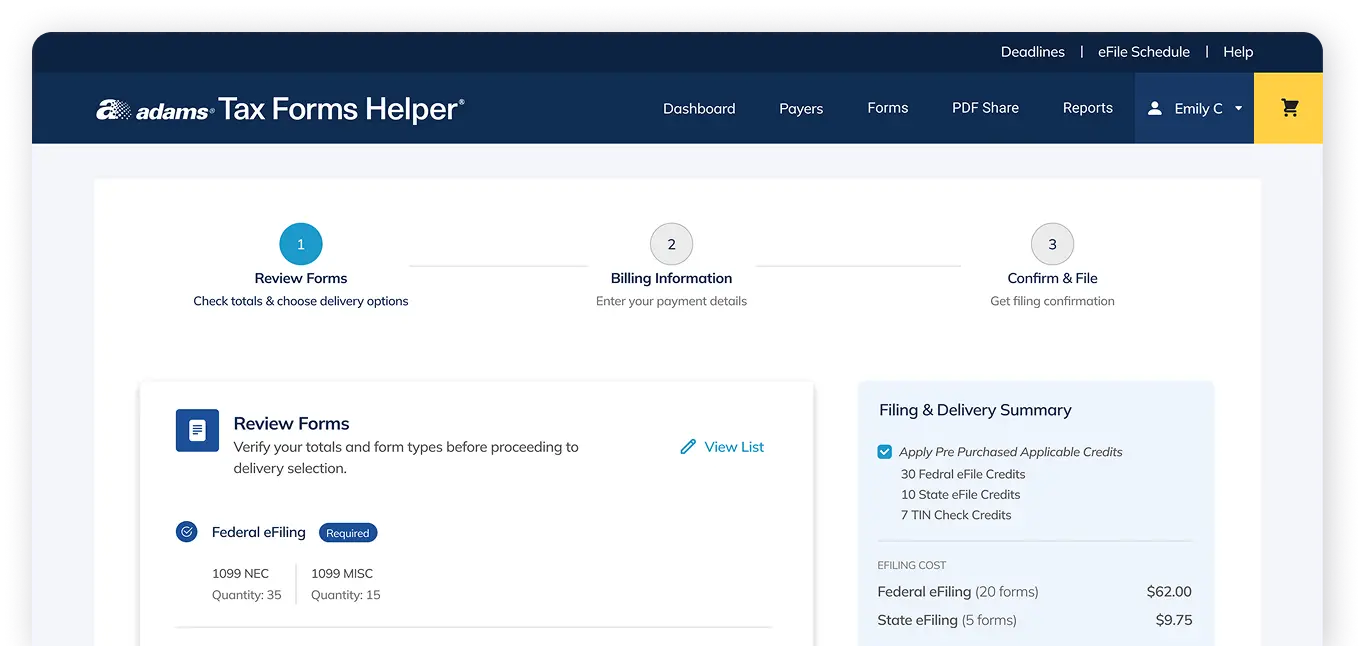
Deliver forms to recipients
Add Mail or Email Delivery and we send copies for you, even after you eFile.
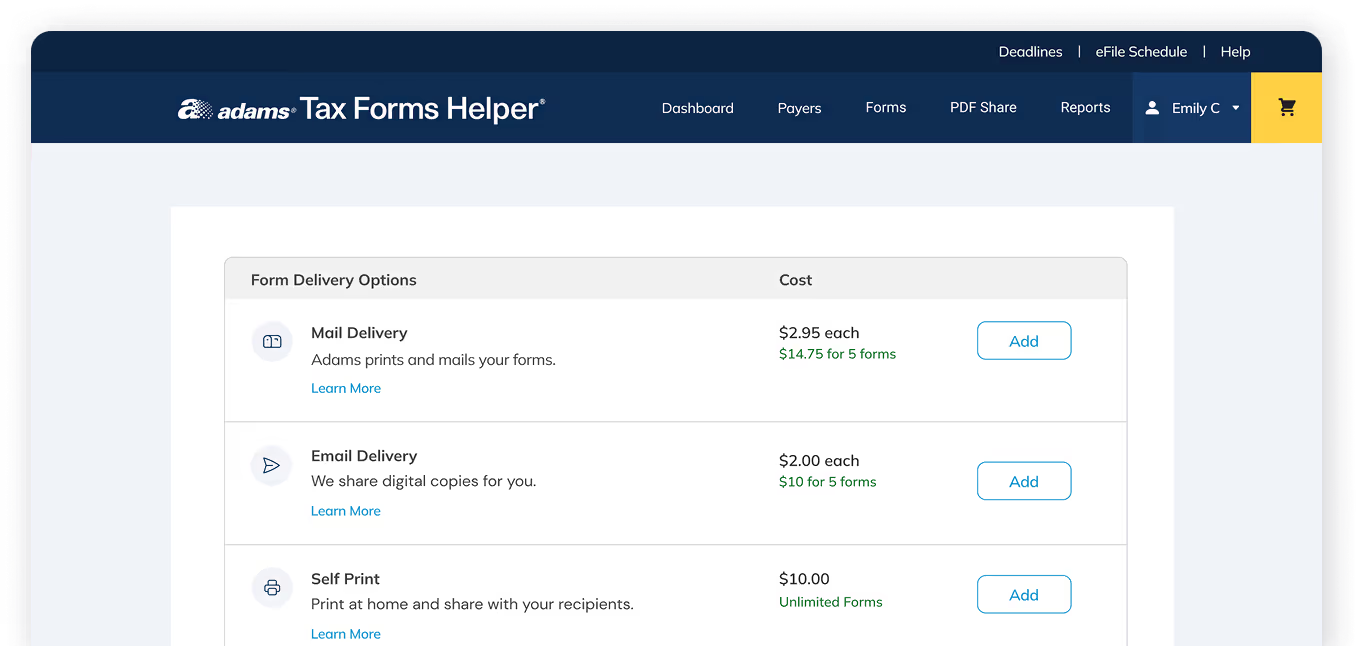
Create a free account
Sign up to get started. Once you are ready to file or print, enter the codes found on your purchased paper forms.

Add issuers and recipients
Add issuer and recipient information online with Adams Tax Forms Helper®.
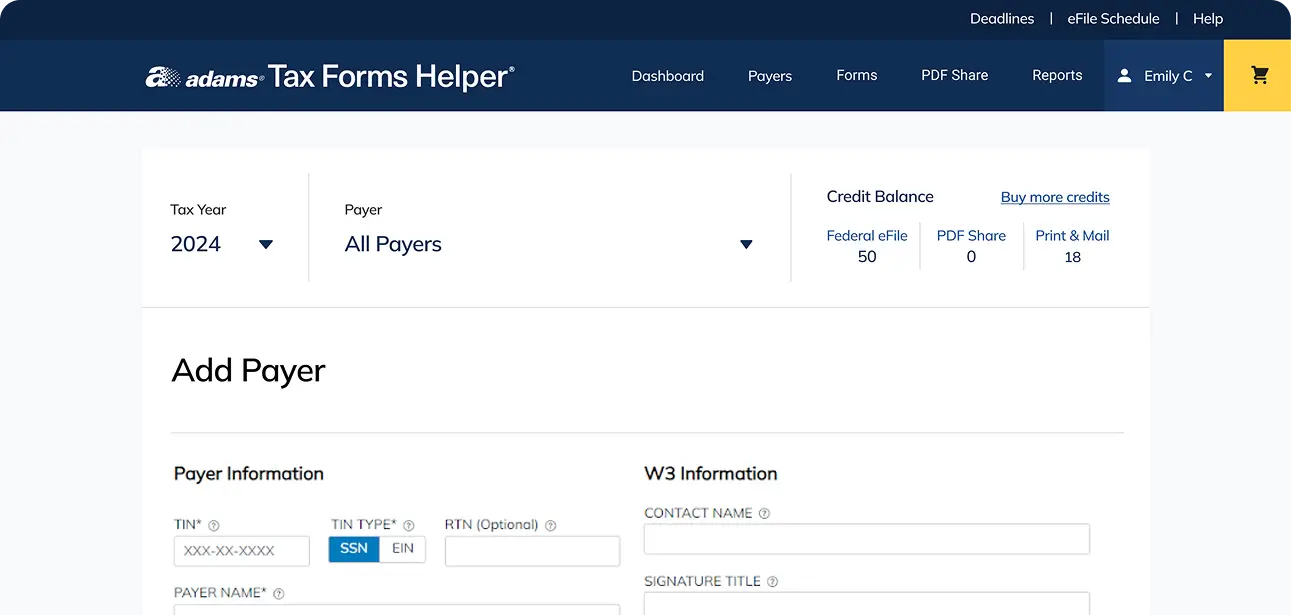
Complete your forms
Choose from 1099, 1098 and W-2 forms, then complete each one with clearly labeled fields.
Review and submit
Choose whether to eFile. If you do, we securely file your forms with the IRS or SSA, and with your recipients’ states where available.
Print on purchased forms
Use the code from your tax kit to print your completed information onto your paper forms.
File your forms
quickly and easily
Sign up to get started