How it works
Log in to your dashboard
See what forms need fixing, without opening each of them.
Check & track statuses
Every form is clearly marked, from “Incomplete” and “Ready”, to “Complete”.
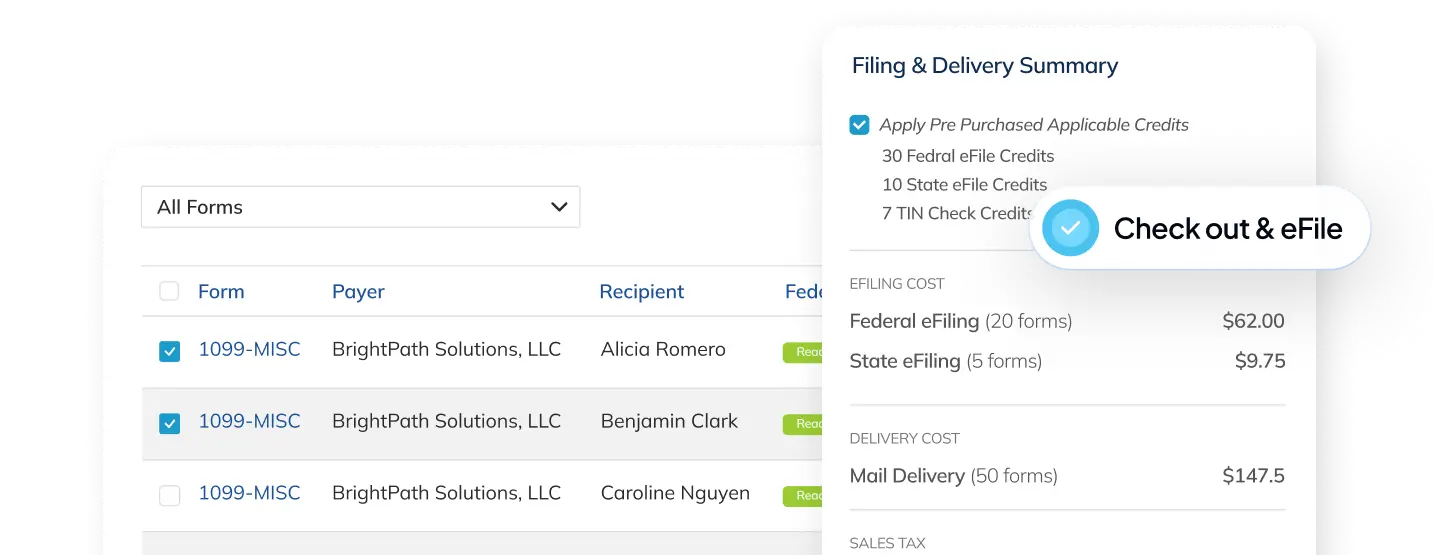
Manage forms easily
Filter by issuer, form type or status, and download, reprint, or resend any form in just a few clicks.
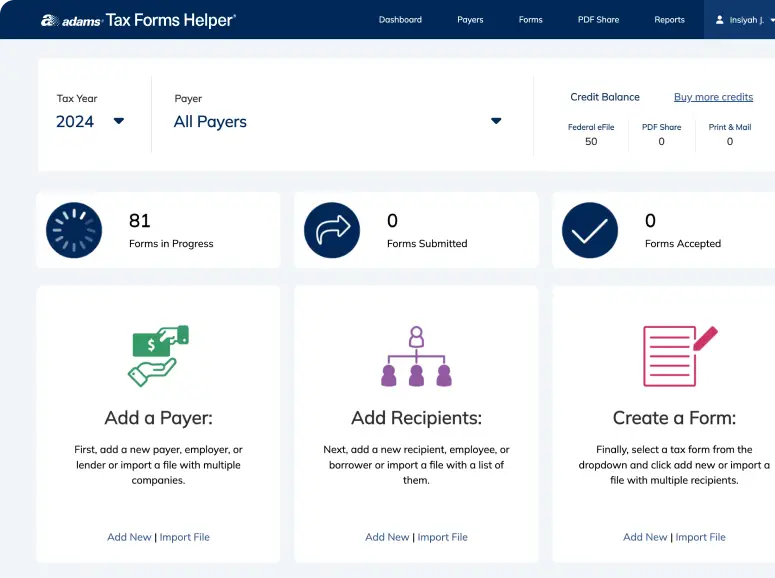
Take action from a single dashboard

Track every form’s status
Find the forms that need action and start a guided correction
Reprint forms or resend copies to recipients
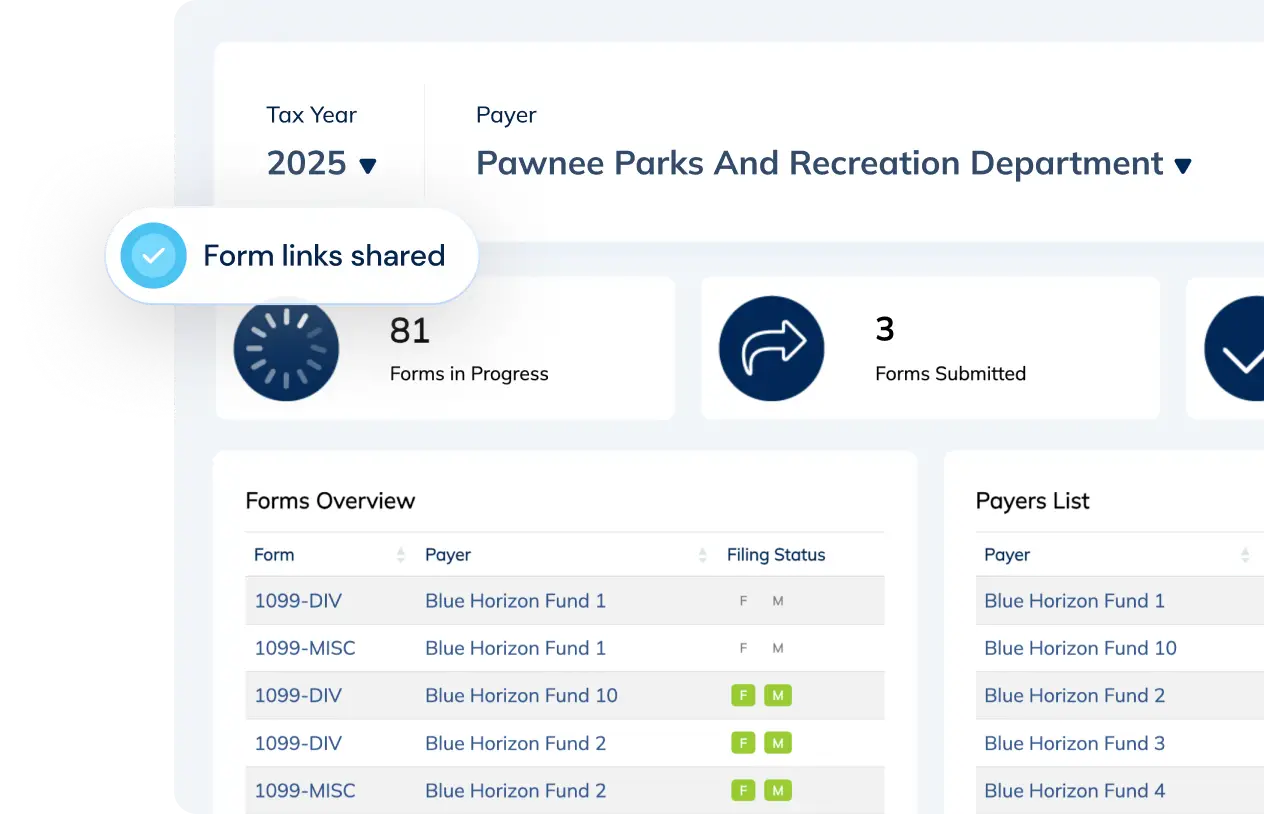
Share forms & track delivery
Mail Delivery
Monitor mail status on your forms page and in Status History.
Email Delivery
Confirm the recipient has downloaded their form.
Self Print
Print or reprint recipient copies anytime.

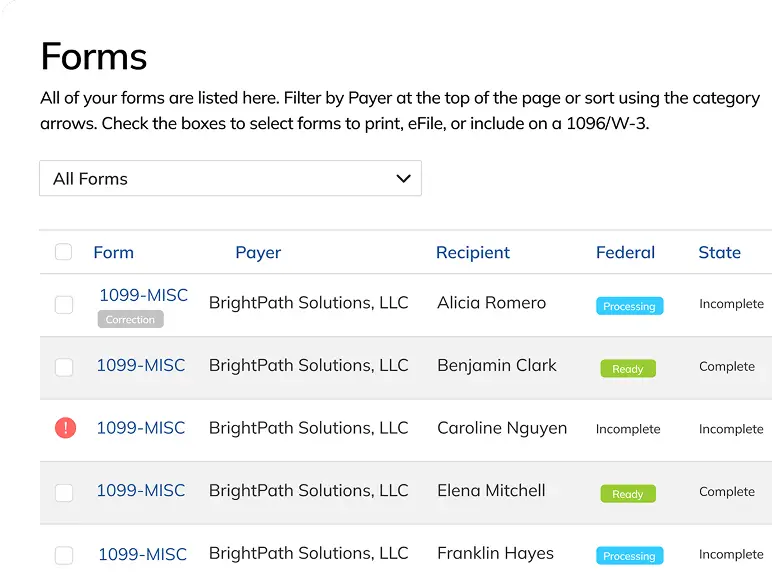
Clearly marked form status
Complete
Your forms are filed and accepted by the IRS or SSA.
Processing
Your forms have been submitted to the IRS or SSA.
Needs action
Your forms were rejected, accepted with errors, or are missing details.
Get a complete view of your filings
Get started for free